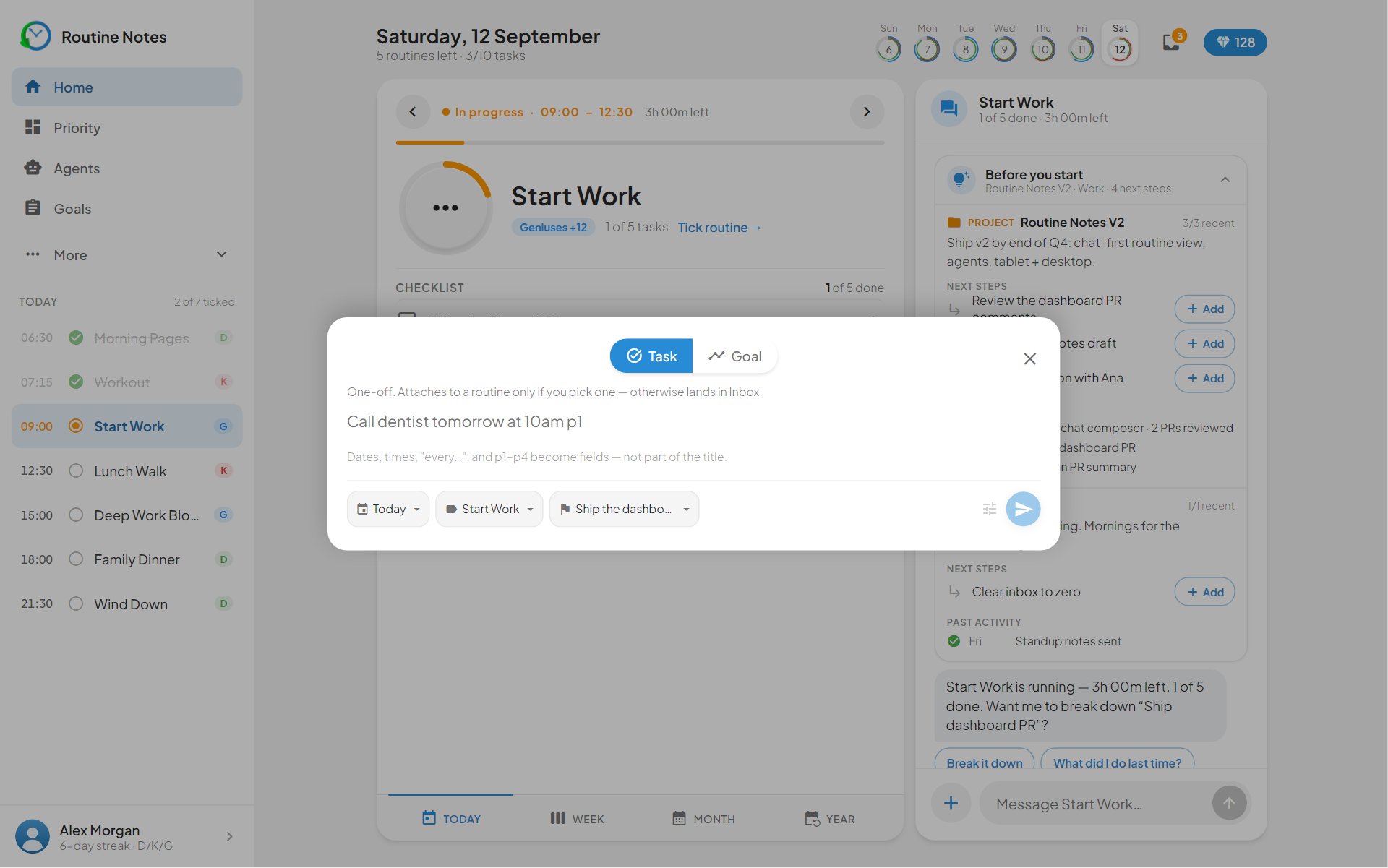
Dashboard — your day, time-boxed
The Dashboard is the only page you strictly need. It lays your routines on a timeline, keeps score on punctuality, and never lets a missed check-in silently disappear.
- 1
The week strip
Seven day dials up top. Your current day is ringed with live progress; past days show how much of the loop you closed.
- 2
The focused routine card
Whatever routine is due now sits front and centre — its time slot, steps, quick tasks, and a Today / Week / Month / Year toggle that shows the goals this routine feeds.
- 3
The punctuality window
Every routine opens a 1h 30m window around its start time. Tick inside the window and the check-in counts as on time. The app knows the difference — that is the whole point.
- 4
Upcoming and Past
Everything later today queues under Upcoming. Anything you missed moves to Past — where you can still check it in by spending points, streak intact, agents still running.
The Dashboard, in detail
Everything on this page exists to answer one question: are you where you said you’d be, right now?
-
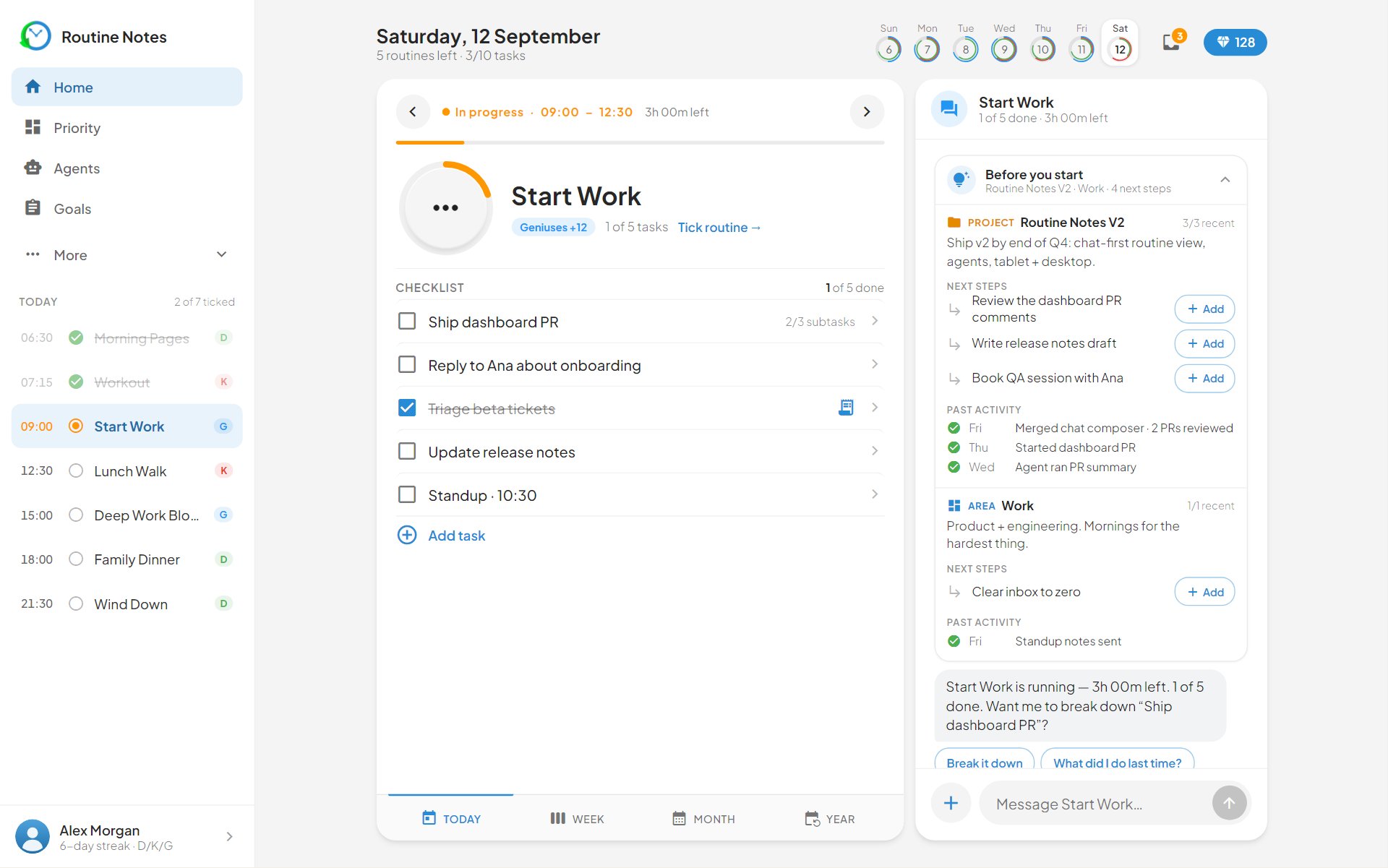
Seven day dials up top — the current day wears a live progress ring. Below, the routine due right now sits front and centre with its time slot, description and task count. You never hunt for what’s next; the page has already decided.
-
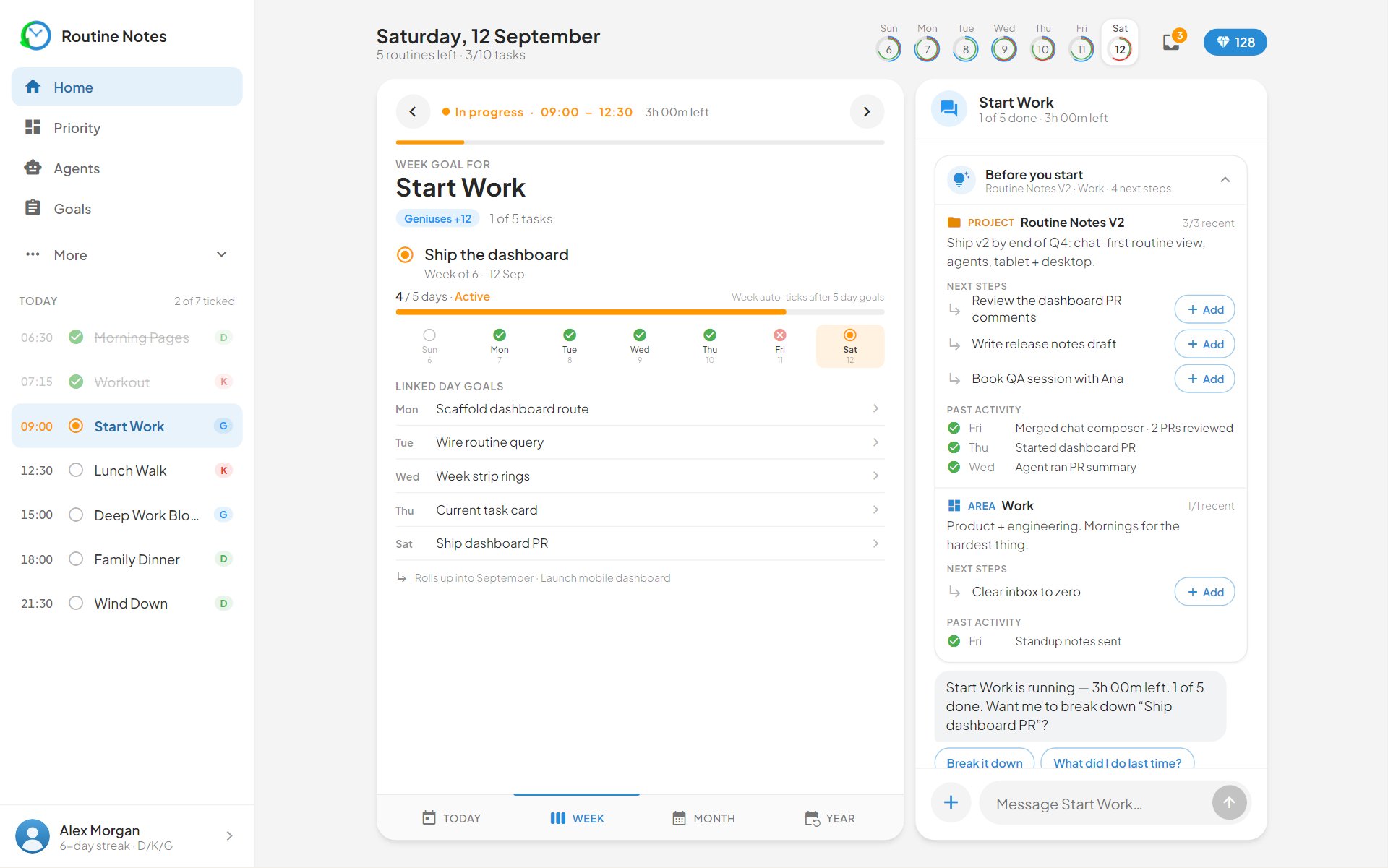
The Today / Week / Month / Year toggle swaps the focused card between today’s checklist and the goals this routine feeds. Set Week’s Goal and Set Month’s Goal chips nag you — politely — until the cascade above this routine exists.
-
Miss the punctuality window and the routine moves to the Past tab with a redeem button — not a delete button. Spend points to check it in late: the streak stays intact and its agents still fire. The app forgives; it just keeps receipts.
-
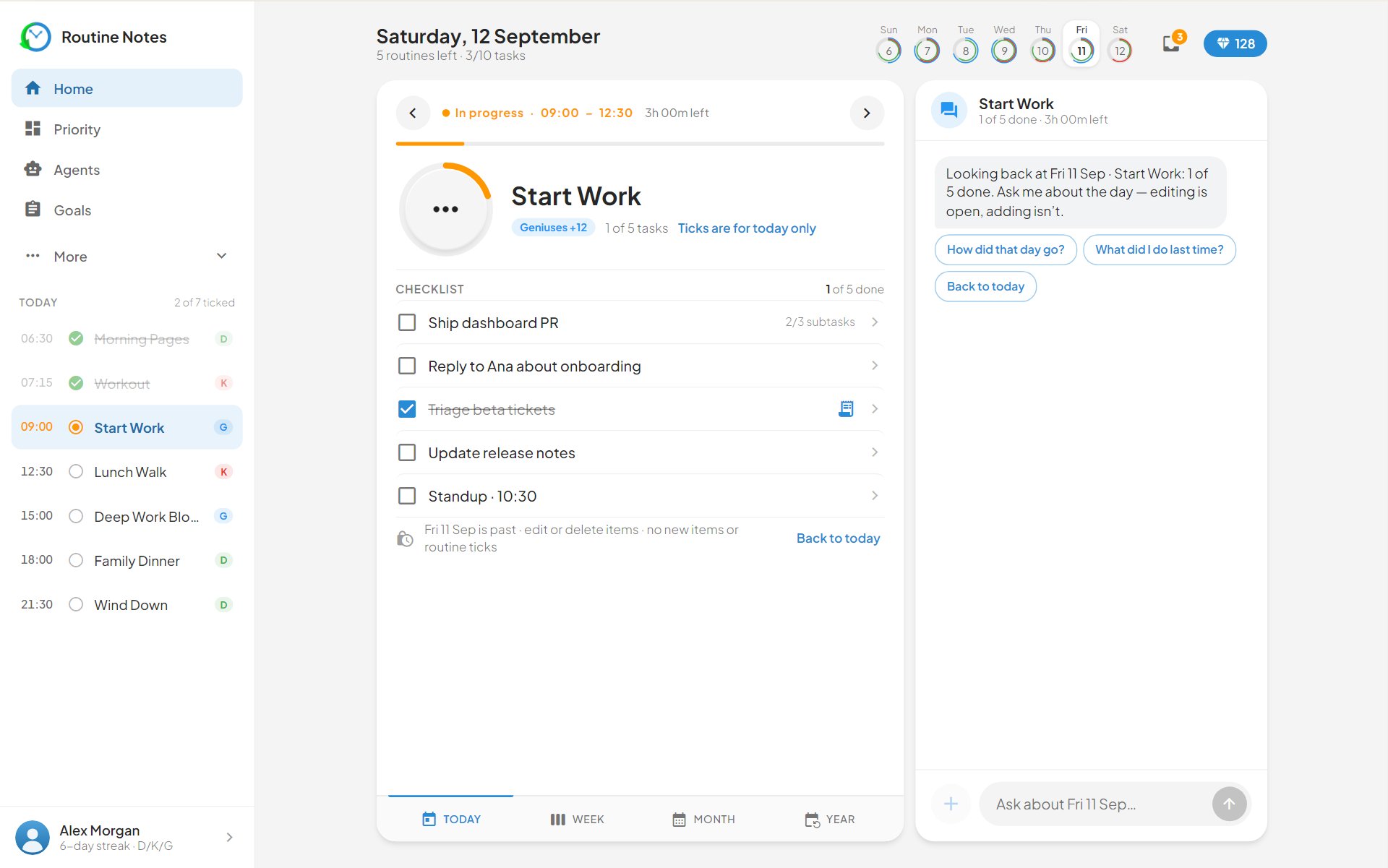
The + button opens the quick-task modal: type the task, hit Start Task, and it lives inside the current routine slot — improvised work still lands in a time box. Build Agent sits right next to it for the moment you notice a repetition.